KagentenKagenten
  • Pricing
KagentenKagenten
Kagenten

Kagenten

An AI agent platform: turn a sentence or a photo into images, and one or two photos into AI videos.

Product

AI Video

Support

  • Email: [email protected]

© 2026 Kagenten. All rights reserved.

  • Privacy Policy
  • Terms of Service
  • AIGC Usage Standards
Styles
How It Works
Pricing
Blog
Burning Bridges AI Video
Hotel Lobby AI Video
FAQ
About
Contact
Festival AI Photos

Navratri AI Photos

Upload a photo and put yourself in the festival — same face, festive outfit, realistic photos ready for your feed.

No prompt writing required. Upload one photo, pick a look, and hit generate.

Create my photo
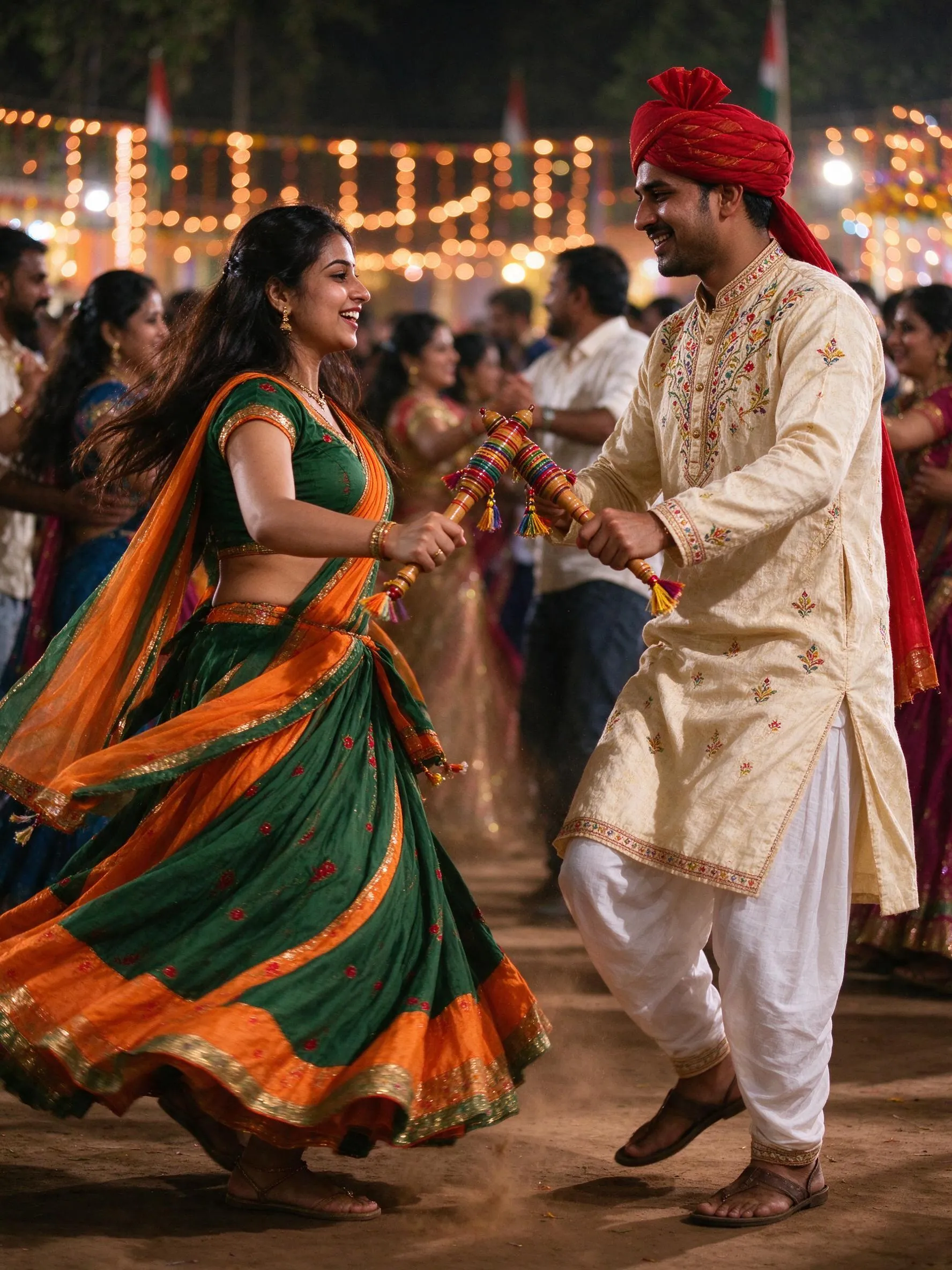
Navratri AI photo example
Example resultAI photo
FREE1 FREE PHOTO10 free creditsno signup

Add your photo

The same face stays while the outfit, scene and light turn festive. One clear photo is all it takes.

Who is in the photo?

Size

Resolution

1K is perfect for social; pick 2K when you want extra detail.

This photo10 credits
Balance appears after your first photo

Already a member? Sign in to save photos and claim guest credits.

Your photo will appear here

Upload a photo to start — your face stays while the festive look is added.

Guest mode vs signed in

GuestSigned in
✗Photos auto-delete after 72 hours✓Photos saved to your account
✗Unused credits expire in 90 days✓Credits last 12 months
✗Locked to this browser — clearing data or switching devices loses everything✓Works on all your devices
✗Only the $1.1 starter pack✓All three packs — better value per credit

Bought as a guest? Sign in later on this browser to claim your photos and unused credits into your account.

Simple credit packs

Buy once, use the credits here or anywhere else on the site.

See packs

Made for Navratri

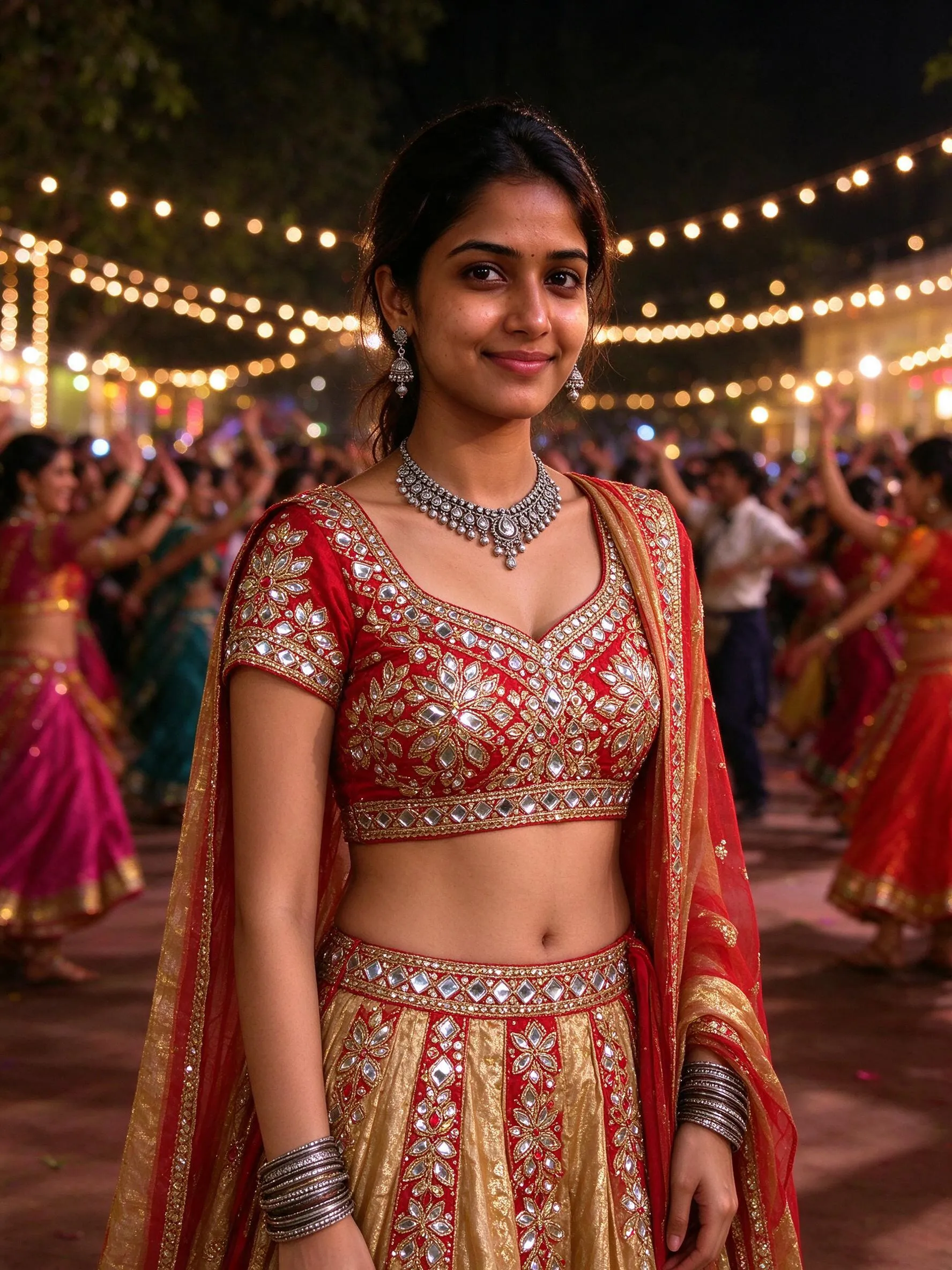
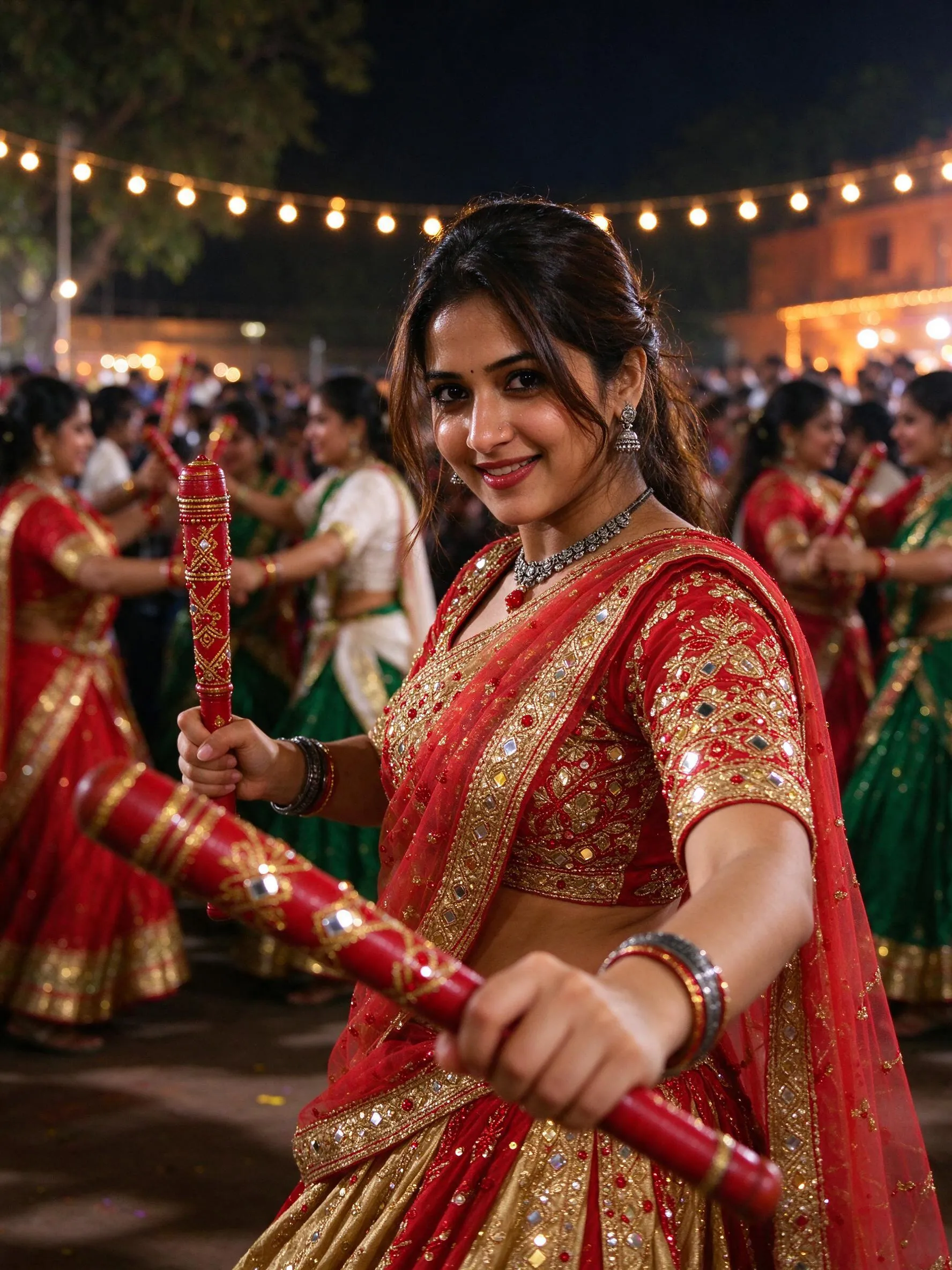
Example portraits created for this festival — separate examples, dates and templates for every festival.

A realistic Navratri portrait in a red and gold chaniya choli with dandiya sticks
A couple playing dandiya at a Navratri garba night
A Garba night portrait with warm string lights and festive attire

Dates

When is Navratri?

Navratri 2026 runs from October 11 to October 19, with Dussehra on October 20. These nine nights are the biggest garba season of the year.

Dates are updated each year. The guide and templates stay the same.

Culture

The story behind Navratri

Navratri is a nine-night festival celebrated across India. Gujarat's garba and dandiya nights are its most famous stage: dancers circle a lamp or shrine in chaniya cholis and kediyus, clapping decorated sticks in time.

The festival honours the goddess Durga in her many forms. Expect mirror work, bandhani prints, oxidised silver jewellery, clay diyas and folk music that runs late into the night.

Sharad Navratri returns every autumn; Chaitra Navratri follows in spring. The same poses, outfits and light work for both.

Pay once, create at your pace

Small credit packs for this tool — credits work across the whole site.

Guest pack
$1.1

20 credits

2 photos at 1K

Site-wide credits — use them on any tool.

Sign in to unlock the $2.5 and $8.9 packs.

1 image = 10 credits (1K) · 15 (2K); packs are site-wide credits.

Explore more festivals

Pick a country, then a festival. New festivals are added every season.

Navratri
NavratriYou're here
Diwali
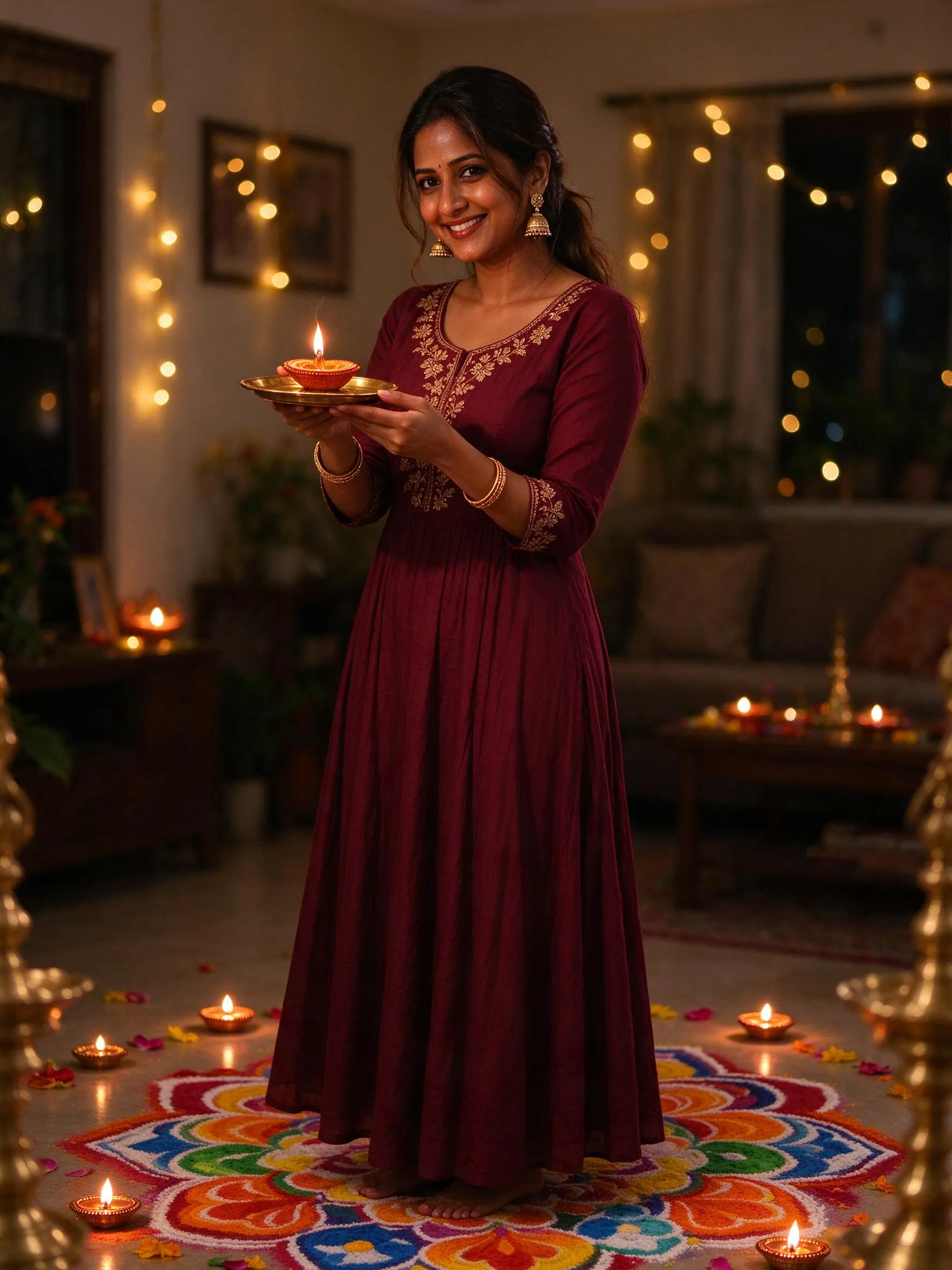
Diwali
Prompt guideNavratri AI Photo Prompts 2026Prompt guideDiwali AI Photo Prompts 2026

Navratri AI Photos — FAQ

What is a Navratri AI photo?

It is a realistic portrait made for Navratri — a chaniya choli or kediyu, dandiya sticks, a garba circle and warm string lights. Upload one photo and the tool keeps the same face while restyling the outfit, scene and light.

How much does a Navratri AI photo cost?

A 1K photo costs 10 credits and 2K costs 15. The $1.1 starter pack gives you 20 credits — two 1K photos — and credits work across the site. Failed generations are refunded automatically.

What photo should I upload?

Use one clear, front-facing photo with even lighting and no sunglasses. One person works best for solo portraits; for a couple or family, upload a photo where everyone is visible. The tool keeps the faces and restyles the outfit, scene and light.

Can I make a couple or family Navratri photo?

Yes. Choose Couple or Family, then upload a photo where everyone is visible and describe who is in the scene — every face stays recognizable in the festive look.

Do I need to write a prompt?

No. Pick a persona — for her, couple or family — and generate; the photo recipe is tuned on our side. You can optionally add details such as colors or accessories.

Can I use the photo commercially?

You own what you generate and may use it commercially. Only upload photos of people who have agreed to appear. The tool does not add text or watermarks.

What happens to my guest photos and credits?

Guest photos auto-delete after 72 hours, so download them in time; unused guest credits expire after 90 days. Guest purchases are tied to your browser — clearing site data or switching devices loses them. Sign in on the same browser anytime to claim your photos and unused credits into your account; signed-in photos stay saved and credits last 12 months.