 Kagenten
Diwali AI photo prompts are the Diwali edition of the trend that filled feeds with AI saree and garba portraits: paste a prompt (or upload your photo), and get a festive portrait with diya glow, rangoli at your feet and fairy lights behind you. Diwali 2026 lands on November 8 — which makes late October the perfect time to prepare yours. Below: copy-paste prompts for Gemini, ChatGPT or any AI image tool, sorted by the photo you want, with real examples generated on the Kagenten Image Agent. (We also covered this trend's Navratri sibling — see Navratri AI Photo Prompts.)
All example images in this guide were generated on our own Image Agent.
Same four slots as every festival portrait, Diwali edition:
Prompt:
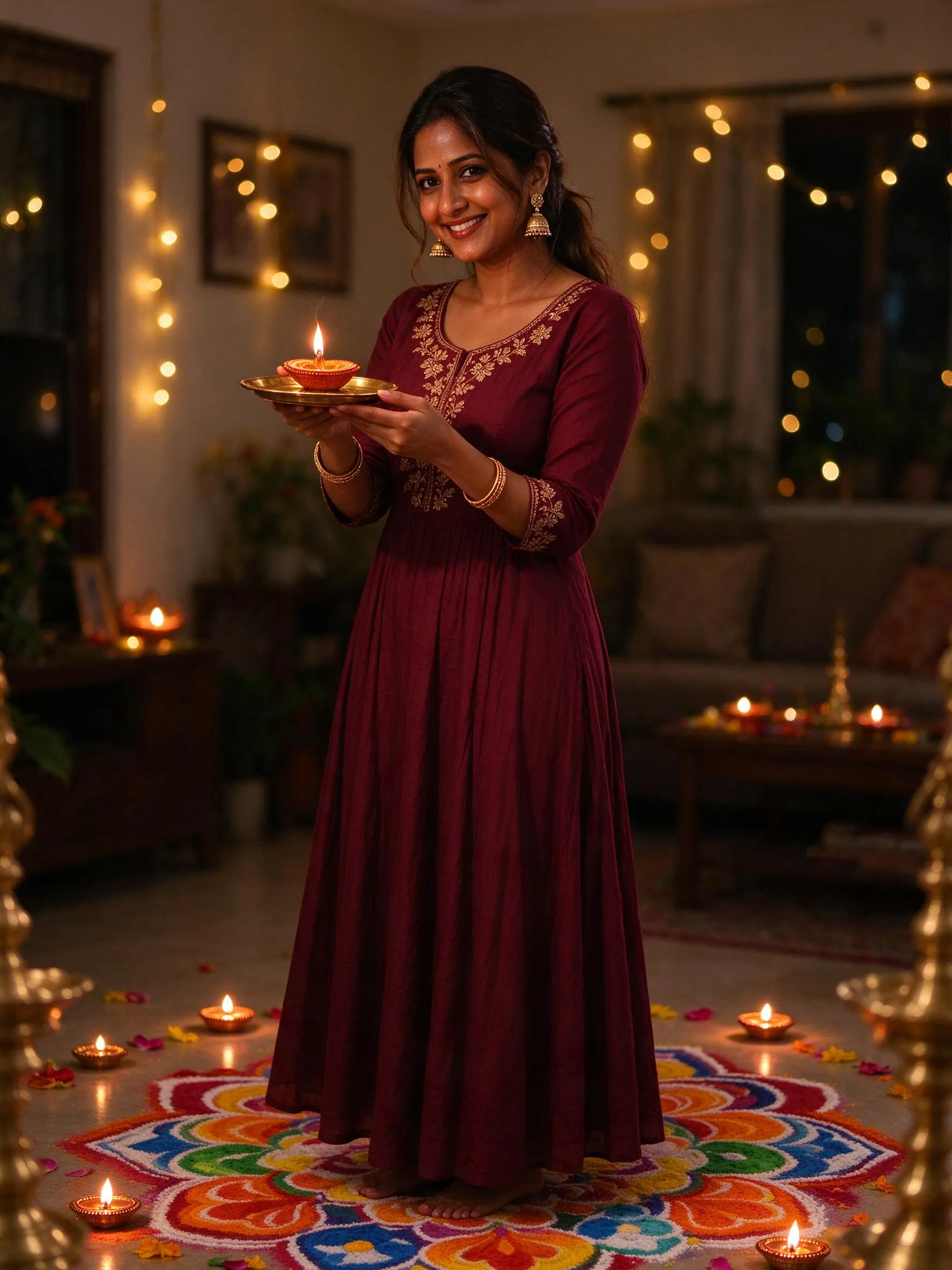
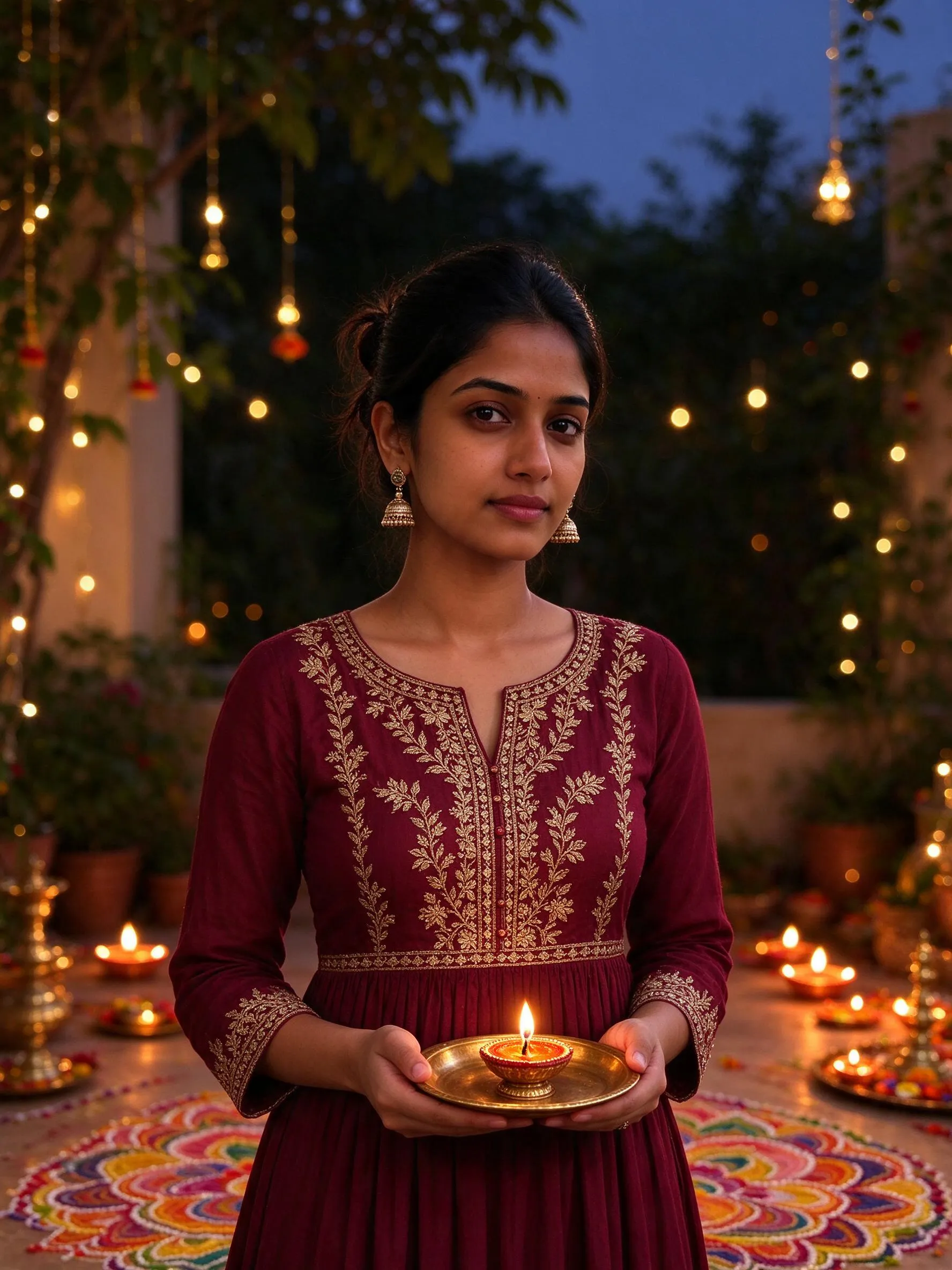
"A realistic photo of a young Indian woman celebrating Diwali at home in the evening: she wears a maroon anarkali kurta with gold embroidery and jhumka earrings, holding a small lit diya on a brass plate, glowing diyas and a colourful rangoli around her, warm bokeh fairy lights in the background, festive candid photography"
That prompt generated the image above. A doorway variant — the classic Diwali welcome shot:
"A realistic photo of a young Indian woman in a festive green lehenga lighting the first diya at her home entrance during Diwali evening, a large floral rangoli with marigold petals at the doorstep, warm lamp glow on her face, shallow depth of field"
Prompt:
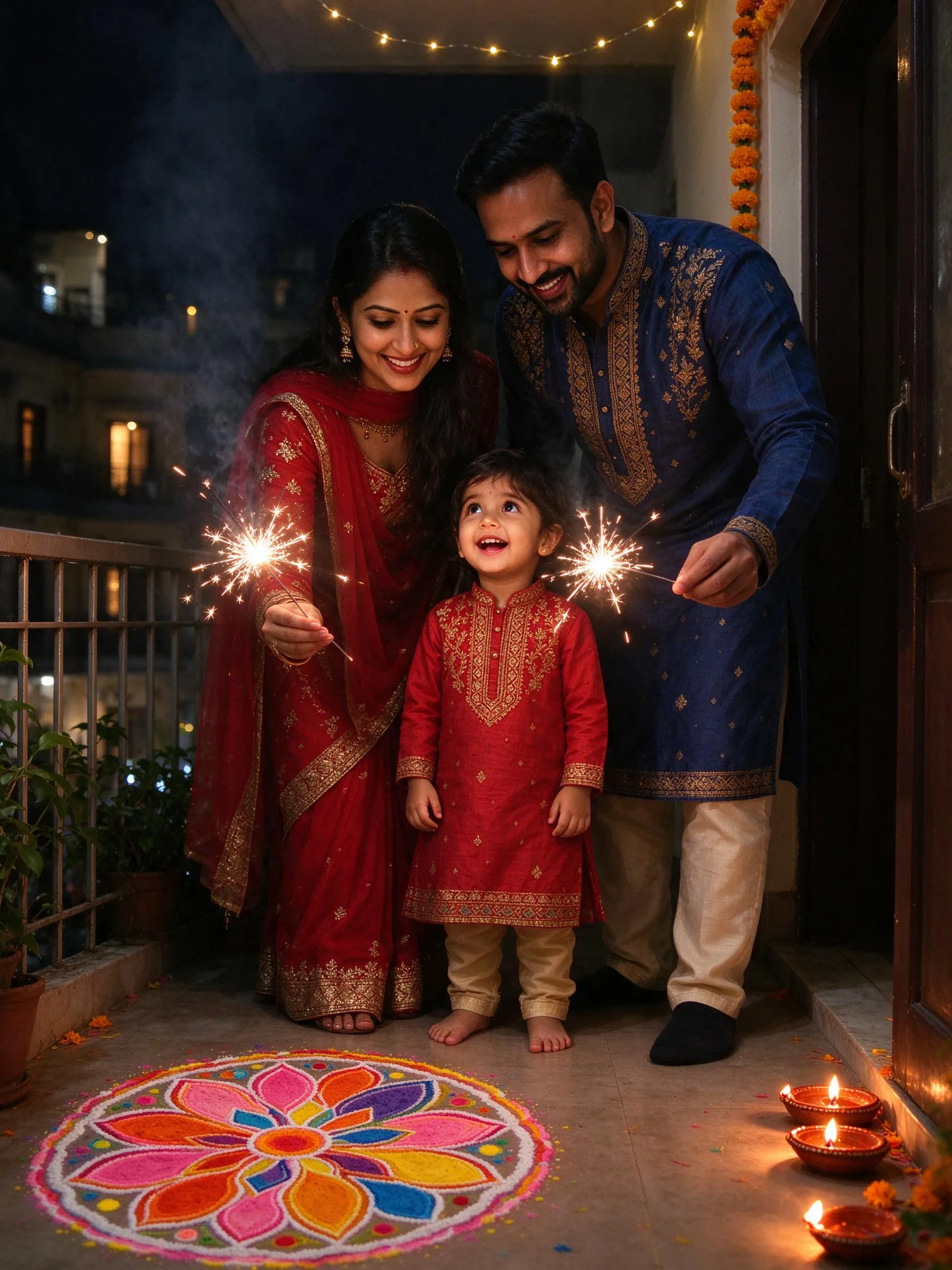
"A realistic candid photo of a young Indian family celebrating Diwali on their home balcony at night: the parents hold sparklers while a small child watches wide-eyed between them, lit diyas and a colourful rangoli by the door, warm festive glow on their faces, joyful expressions"
Diwali is the family festival in a way Navratri is not — if you publish content, the family variant is the one people share in group chats.
Sometimes the photo is about the decoration, not the person:
"An overhead realistic photo of a large Diwali rangoli made of coloured powder and marigold petals with a brass diya lit at its centre, on a stone courtyard floor, warm evening light"
"A realistic photo of a home balcony decorated for Diwali at blue hour: rows of lit clay diyas along the railing, marigold garlands, paper lanterns, a warm golden glow against the deep blue sky"
The viral version of this trend is your own face in festive wear. In the Image Agent:
Instruction:
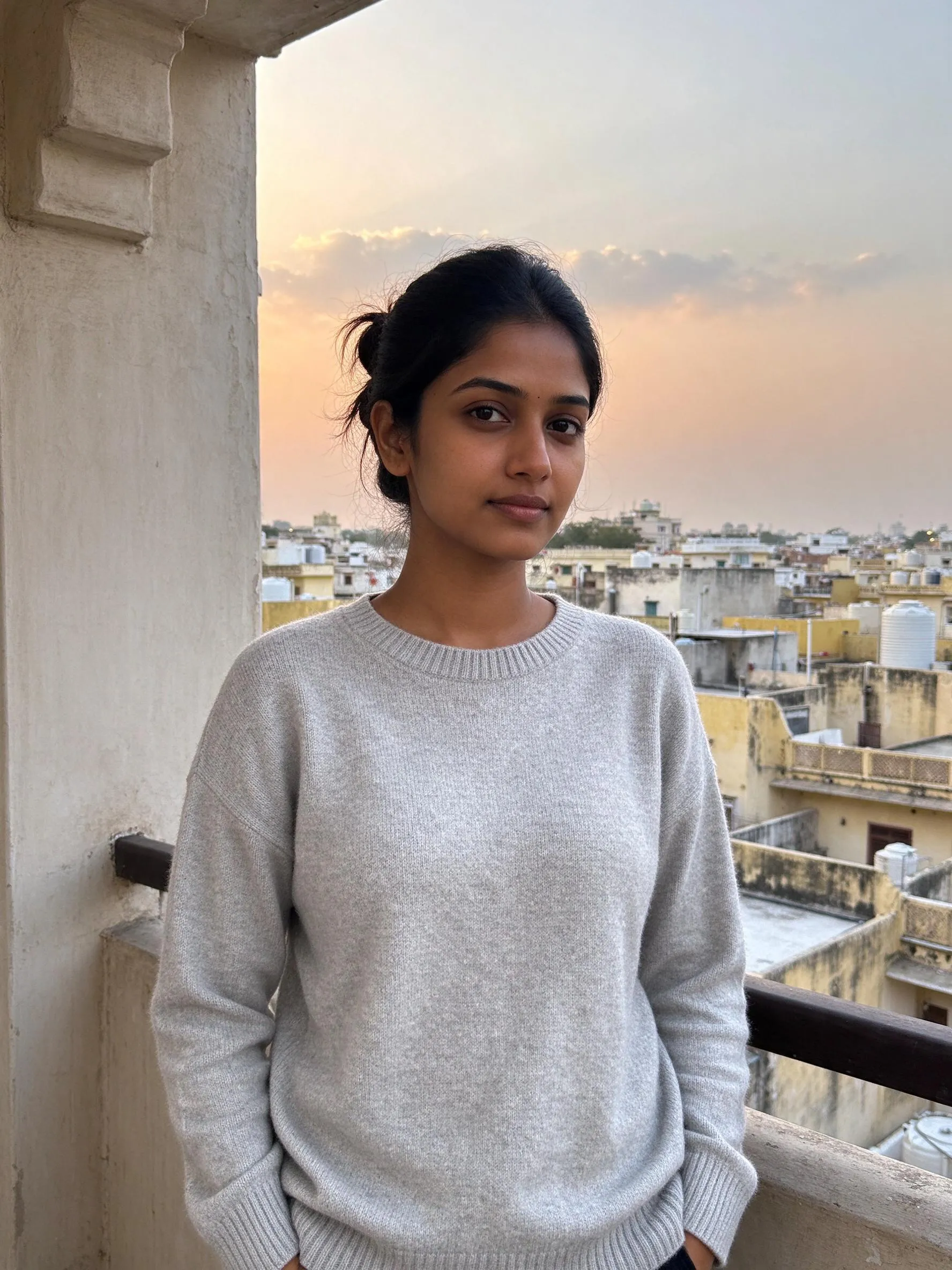
"dress me in a festive maroon anarkali kurta with gold embroidery and jhumka earrings, place a small lit diya on a brass plate in my hands, change the background to a warm Diwali evening with glowing diyas, a colourful rangoli at my feet and soft bokeh fairy lights, keep my face exactly the same"
A real before-and-after generated exactly this way:
| Before | After |
|---|---|
 |
 |
Diwali's lamps and colours suit impressionist styles unusually well. Pick the Watercolor style in the Image Agent and describe the scene:
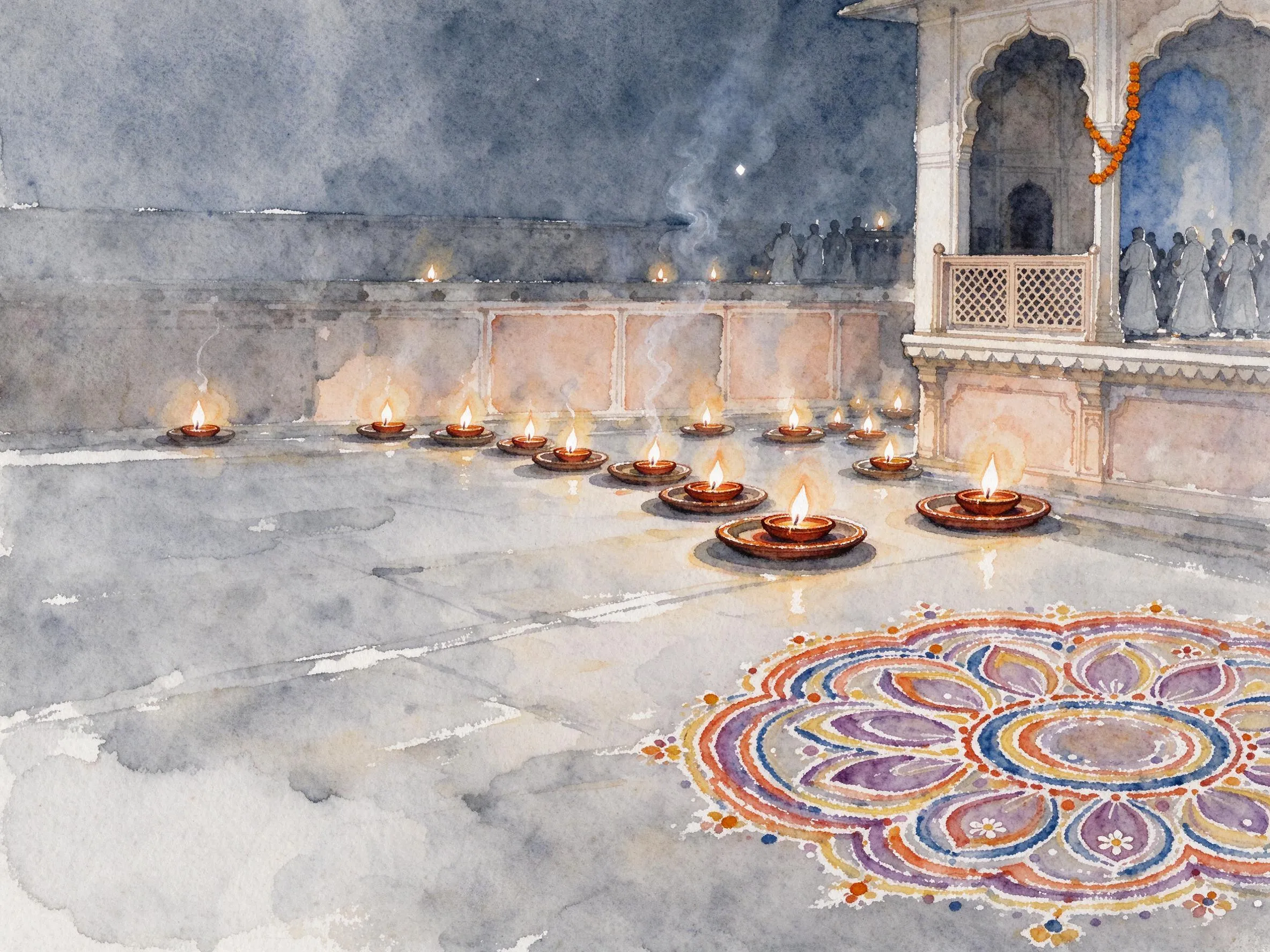
"A Diwali night in Jaipur with rows of glowing diyas and a colourful rangoli, fireworks blooming softly in the distance"
Diwali 2026 falls on November 8. The festival window opens around November 5 with Dhanteras, and Govardhan Puja follows on November 10. This five-day stretch is when AI Diwali portrait searches peak.
Copy a prompt above and paste it into your AI tool's image generation. For your own face in the outfit, attach your photo together with the instruction from the "Turn your own photo" section.
Yes — upload your photo in the Image Agent and type the change in one line ("dress me in … keep my face exactly the same"). Leave the style on None to stay photorealistic, or pick Ghibli or Watercolor for an art version.
The formula is the same (attire + accessories + scene + light), but the objects change: Navratri is about garba nights, dandiya sticks and chaniya cholis; Diwali is about diyas, rangoli, sparklers and the family at home. See Navratri AI Photo Prompts for that side.
You can try the Image Agent for free — make your Diwali portrait now, before the lamps are lit.