What is a Diwali AI photo?
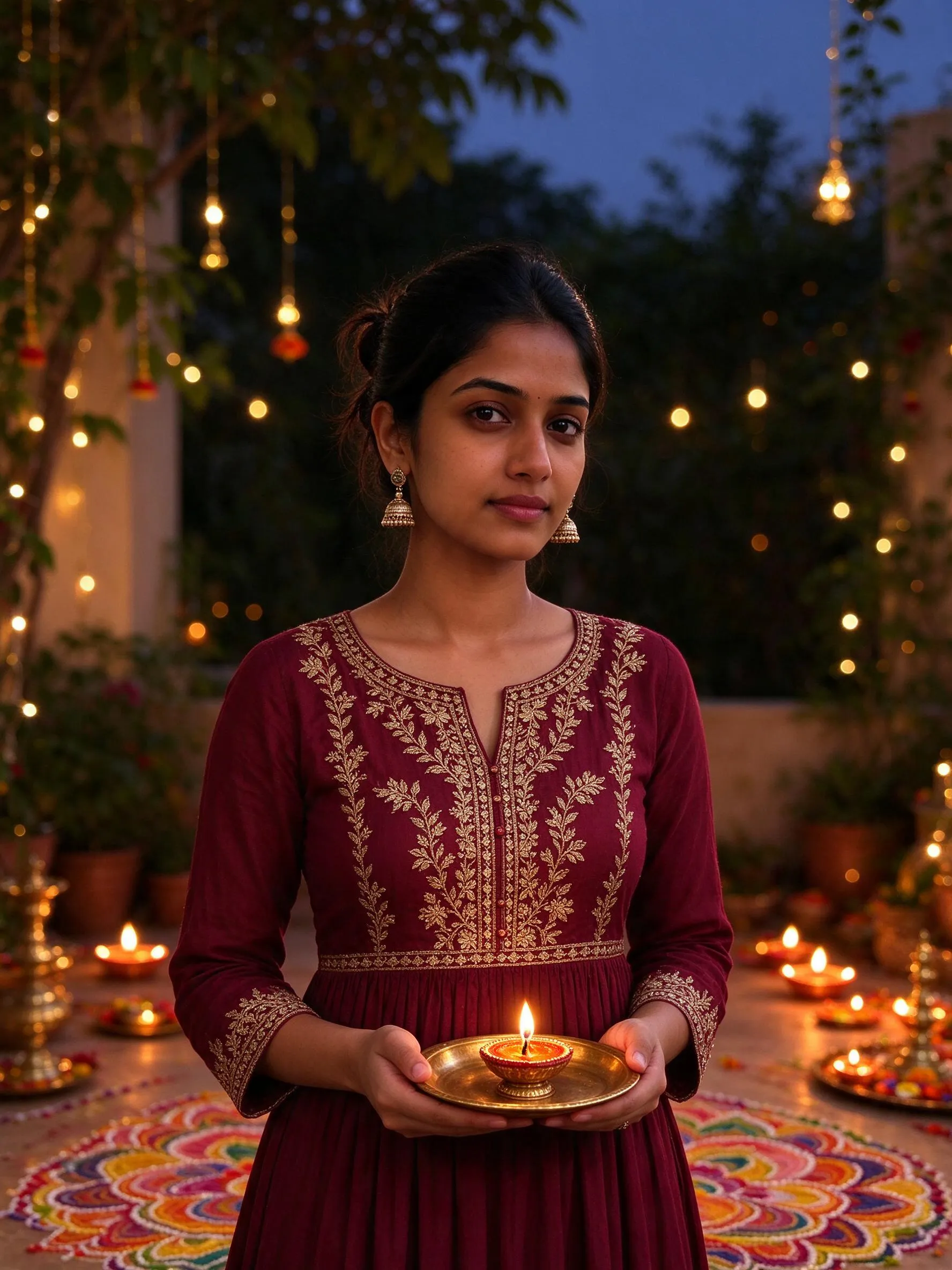
It is a realistic portrait made for Diwali — a diya in your hands, rangoli at your feet, marigold garlands and warm fairy lights behind you. Upload one photo and the tool keeps the same face while adding the festive look.
 Kagenten
Upload a photo and put yourself in the festival — same face, festive outfit, realistic photos ready for your feed.
No prompt writing required. Upload one photo, pick a look, and hit generate.
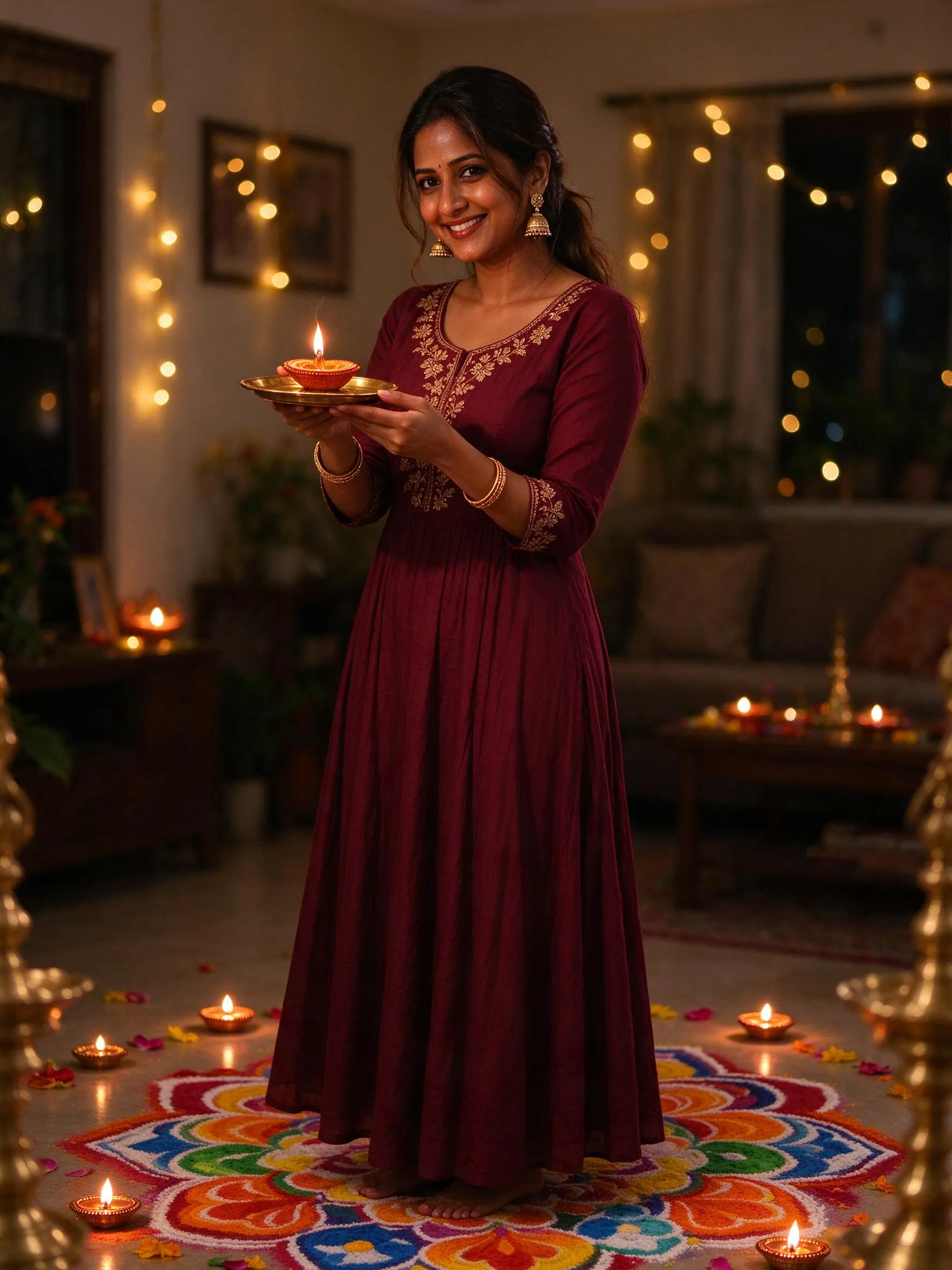
The same face stays while the outfit, scene and light turn festive. One clear photo is all it takes.
Who is in the photo?
Size
Resolution
1K is perfect for social; pick 2K when you want extra detail.
Already a member? Sign in to save photos and claim guest credits.
Your photo will appear here
Upload a photo to start — your face stays while the festive look is added.
Guest mode vs signed in
Bought as a guest? Sign in later on this browser to claim your photos and unused credits into your account.
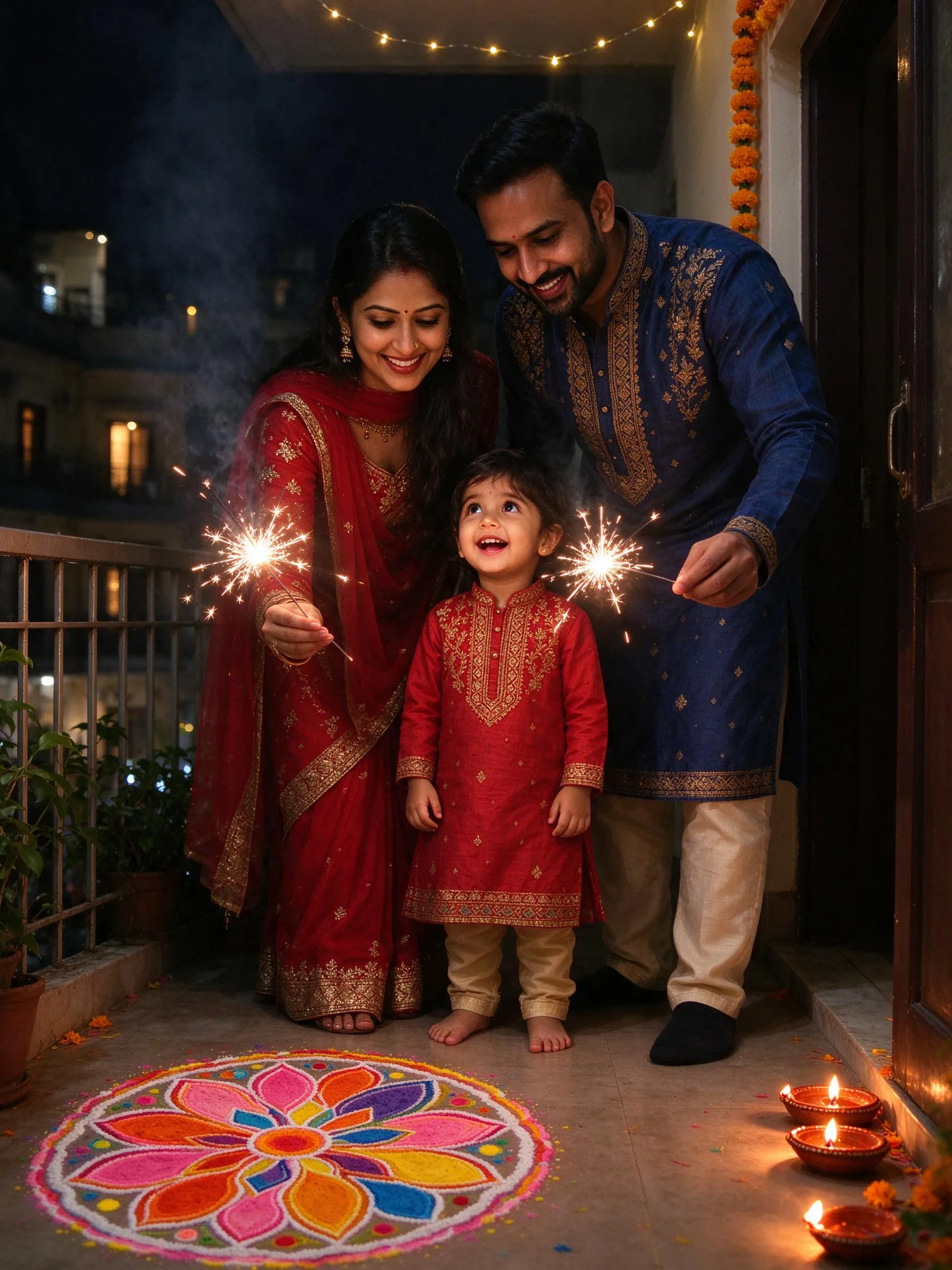
Example portraits created for this festival — separate examples, dates and templates for every festival.
Dates
Diwali 2026 falls on November 8, with Dhanteras on November 6. The main night is the peak for Diwali portraits.
Dates are updated each year. The guide and templates stay the same.
Culture
Diwali is the festival of lights. Homes are cleaned and decorated with clay diyas, rangoli made of flower petals and coloured powder, marigold garlands and strings of warm fairy lights.
Families dress in their best silks, share sweets, light sparklers and pray for prosperity. The glow of hundreds of small flames on faces is the look people travel home for.
The five-day celebration begins with Dhanteras and ends with Bhai Dooj. The same warm-light formula works for every night of the window.
Small credit packs for this tool — credits work across the whole site.
20 credits
2 photos at 1K
Site-wide credits — use them on any tool.
Sign in to unlock the $2.5 and $8.9 packs.
1 image = 10 credits (1K) · 15 (2K); packs are site-wide credits.
Pick a country, then a festival. New festivals are added every season.
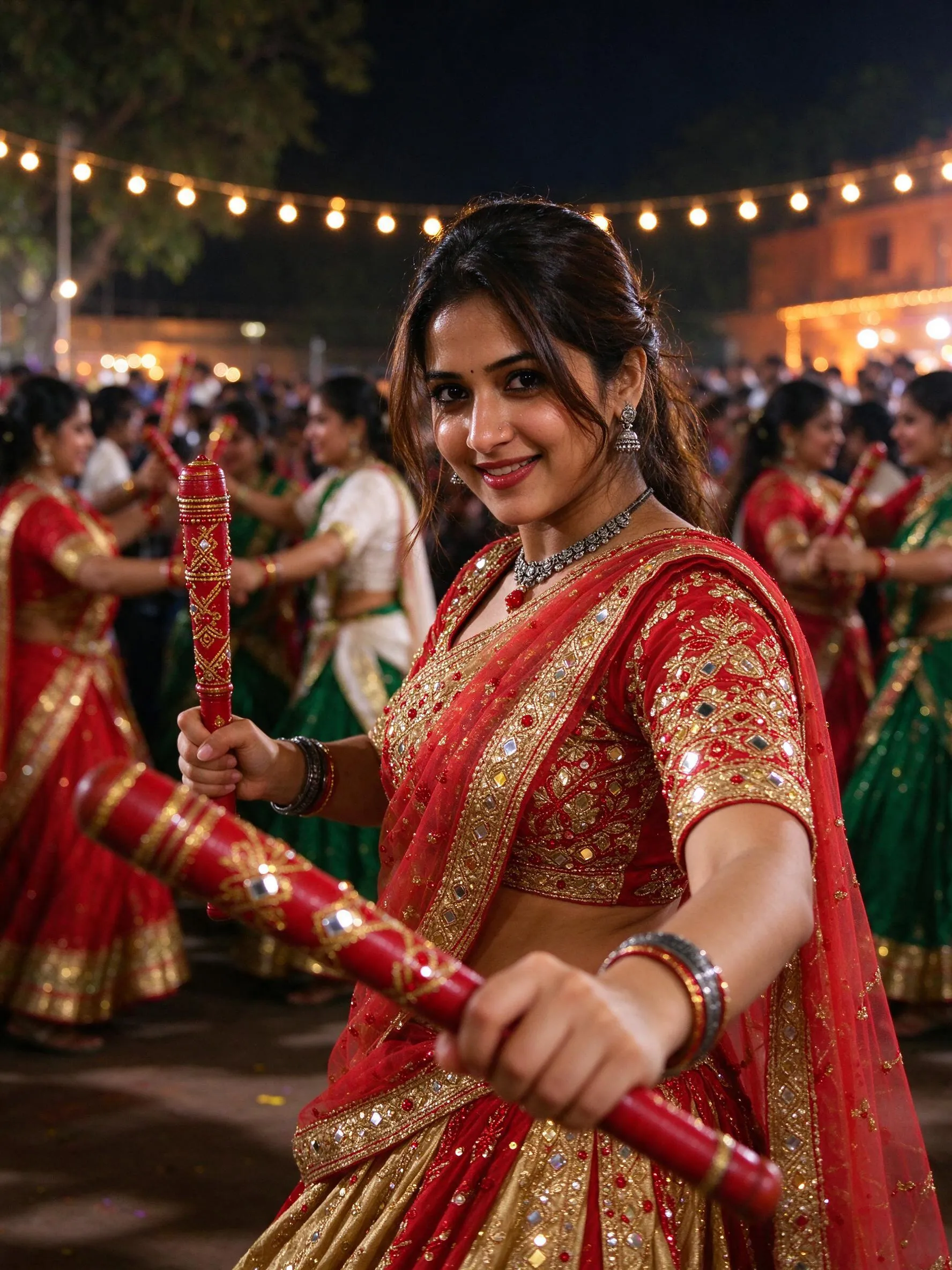
It is a realistic portrait made for Diwali — a diya in your hands, rangoli at your feet, marigold garlands and warm fairy lights behind you. Upload one photo and the tool keeps the same face while adding the festive look.
A 1K photo costs 10 credits and 2K costs 15. The $1.1 starter pack gives you 20 credits — two 1K photos — and credits work across the site. Failed generations are refunded automatically.
Use one clear, front-facing photo with even lighting and no sunglasses. A portrait taken indoors in the evening works especially well for the warm diya look; the tool keeps the face and changes the outfit, scene and light.
Yes. The pre-filled prompt already includes a lit diya, rangoli and fairy lights. Add sparklers, a doorway, a balcony or a specific outfit colour in the prompt box and the server will build it into the scene.
Yes. Choose Family, then upload a photo where everyone is visible and describe who is in the scene — every face stays recognizable in the festive look.
You own what you generate and may use it commercially. Only upload photos of people who have agreed to appear. The tool does not add text or watermarks.
Guest photos auto-delete after 72 hours, so download them in time; unused guest credits expire after 90 days. Guest purchases are tied to your browser — clearing site data or switching devices loses them. Sign in on the same browser anytime to claim your photos and unused credits into your account; signed-in photos stay saved and credits last 12 months.